Description
Overview:
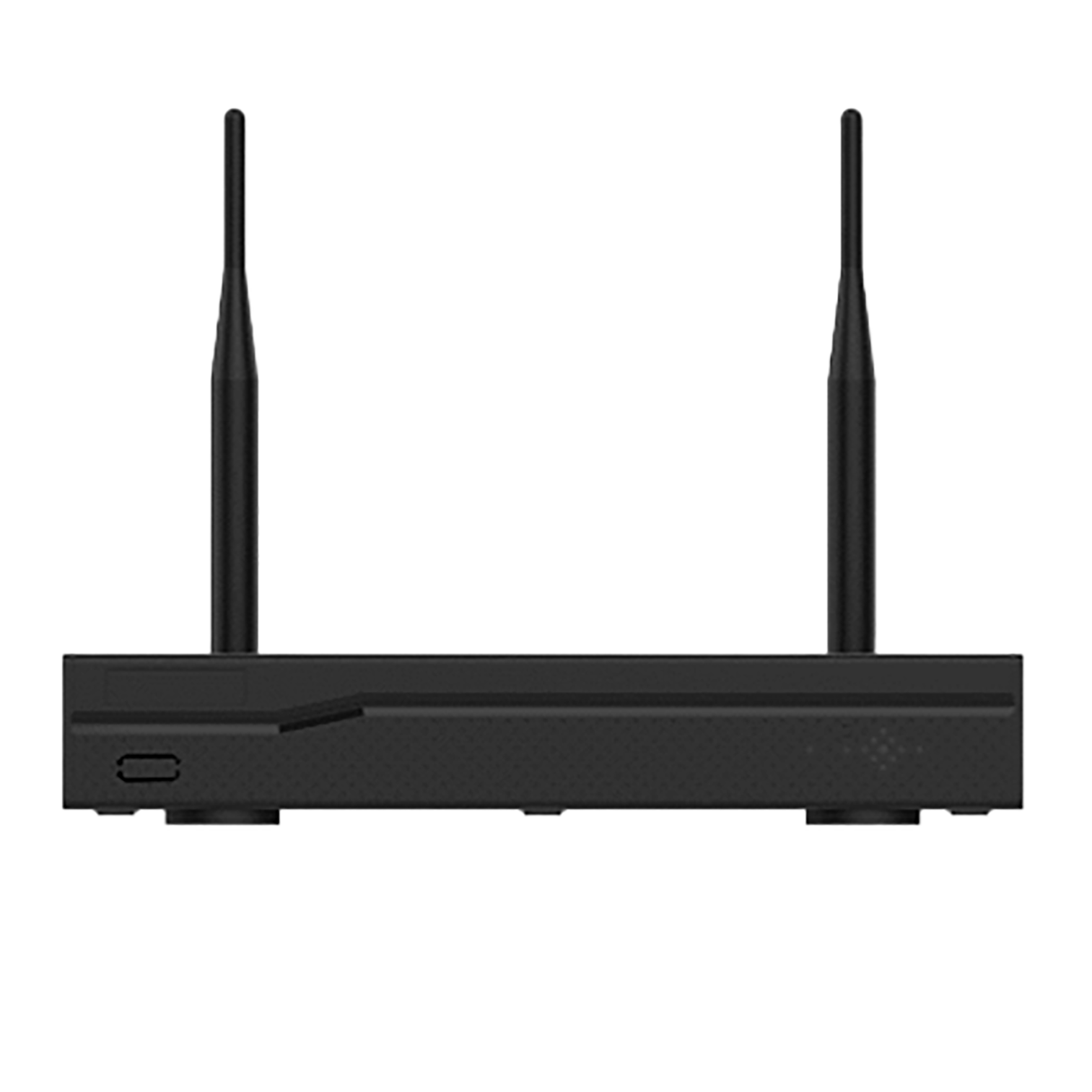
The VNPT Network Video Recorder WN883P (VNPT NVR WN883P) is a network-based recording device designed to work with IP cameras for video surveillance, recording, and storage. It connects directly to an IP network, captures video feeds from surveillance cameras, and encodes and stores the footage on a hard drive for easy management and playback. Additionally, the VNPT NVR features integrated management software, enabling users to view live video on an external monitor, control system cameras, and simultaneously monitor multiple camera feeds via the display interface.
Key Features:
Key features of the VNPT NVR device include:
– High-resolution live video monitoring via HDMI and VGA display outputs.
– Recording and storage for up to 8 surveillance cameras, supporting resolutions up to 8MP and ensuring continuous recording to the hard drive.
– Playback of recorded footage with extended storage capacity, plus remote live viewing via LAN or the Internet on mobile devices or computers.
– Multi-view functionality for efficient system management and control, allowing simultaneous monitoring of multiple areas on a single display interface.
Advantages of the VNPT Network Video Recorder:
– Ethernet connectivity ensuring a stable network connection.
– Support for up to 8 Wi-Fi cameras, enabling effective monitoring of critical areas.
– H.265 compression standard, optimizing storage space while maintaining image quality.
– Smart features, including motion and human detection, providing early alerts and enhanced security monitoring capabilities.
Installation Recommendations
– Place the device in an area with temperature and humidity levels within the permissible range (0–45°C; 0–95% humidity).
– Avoid installation in damp or humid areas to protect internal components.
– Ensure the location is clean and free of excessive dust; clean regularly to prevent dust accumulation from affecting device performance.
– Select a location with a stable Wi-Fi signal to ensure uninterrupted connectivity.
– Ensure a stable power supply and avoid areas with significant voltage fluctuations to ensure the device’s longevity and reliable operation.
Usage Recommendations
– Use the power adapter supplied with the product to ensure optimal performance and durability.
– Disconnect the power to the VNPT NVR before inserting or removing the hard drive to prevent equipment damage.
– Format the hard drive according to the NVR’s standards before use to ensure stable data storage and retrieval.